%20--%3e%3cpath%20d='M59.1,199.2c1.4,12.4,17,19.5,35.9,19.5s25.9-1.8,37.8-5.5l6.6,35.7c-15.9,6.2-34.7,8.6-52.6,8.6-49.8,0-77.8-28.1-77.8-75.4s24.3-80.1,73.5-80.1,64.7,31.6,64.7,75.4-.9,17.9-1.8,21.8H59.1ZM99.2,163.4c0-10.5-3.6-26.3-19.2-26.3s-20.6,15.7-21.2,26.3h40.5Z'%20fill='%23231f20'/%3e%3cpath%20d='M203.7,105l13.8,62.4c2.8,12.8,4.8,25,6.7,38.1h.9c1.8-13.6,3.7-24.8,6.3-38.1l13-62.4h54.2l-50.2,149.7h-51.7l-49.8-149.7h56.8Z'%20fill='%23231f20'/%3e%3cpath%20d='M347,199.2c1.4,12.4,17,19.5,35.9,19.5s25.9-1.8,37.8-5.5l6.6,35.7c-15.9,6.2-34.7,8.6-52.6,8.6-49.8,0-77.8-28.1-77.8-75.4s24.3-80.1,73.5-80.1,64.7,31.6,64.7,75.4-.9,17.9-1.8,21.8h-86.2ZM387,163.4c0-10.5-3.6-26.3-19.2-26.3s-20.6,15.7-21.2,26.3h40.5Z'%20fill='%23231f20'/%3e%3cpath%20d='M451.4,155c0-18.7-.6-35.8-1.2-50h45.3l2.4,18.5h.9c6.3-9,20.3-21.6,42.6-21.6,33.9,0,50.2,24.4,50.2,62.8v90h-52.6v-84.8c0-15.1-5-25.2-17-25.2s-13.6,6.1-16.2,11.9c-1.2,2.7-1.8,7.3-1.8,11.9v86.3h-52.6v-99.7Z'%20fill='%23231f20'/%3e%3cpath%20d='M672.2,63.1v41.9h30.6v38h-30.6v48c0,17.4,5.1,23.7,16.7,23.7s9.1-.5,12.4-1.1v40.2c-6.2,2-17.7,3.7-31.1,3.7s-27.7-4.8-35.7-12.5c-9.1-8.9-14-22.8-14-46.2v-55.9h-18.1v-38h18.1v-30.3l51.6-11.6Z'%20fill='%23231f20'/%3e%3cpath%20d='M773.7,49.6v205.1h-52.6V49.6h52.6Z'%20fill='%23231f20'/%3e%3cpath%20d='M964.1,291.7c-26.4-8.6-48.4-18.3-74.1-30.2-4.7-2.3-9.5-3.4-13.5-3.8-44.5-2.4-82.8-38.1-82.8-104.6s33.3-106.6,93.1-106.6,89.2,53,89.2,102.5-17.4,77.6-39.6,89.2v1.4c13.4,4.8,28.7,8.4,43.5,12.3l-15.8,39.8ZM920.6,151.3c0-36.6-12.7-62.1-35.5-62.1s-36.2,25.8-36,62.5c-.3,38.6,13.4,63.3,36,63.3s35.5-24.7,35.5-63.8Z'%20fill='%23231f20'/%3e%3c/svg%3e)
 Türkçe
 English
Experience Engine / Ticket Sales System
From choosing a ticket to arriving at the door
Give attendees a clear buying journey and give your team a consistent view of ticket sales and entry. Plan categories, prices, and capacity before launch, then carry the right ticket information through to event day.
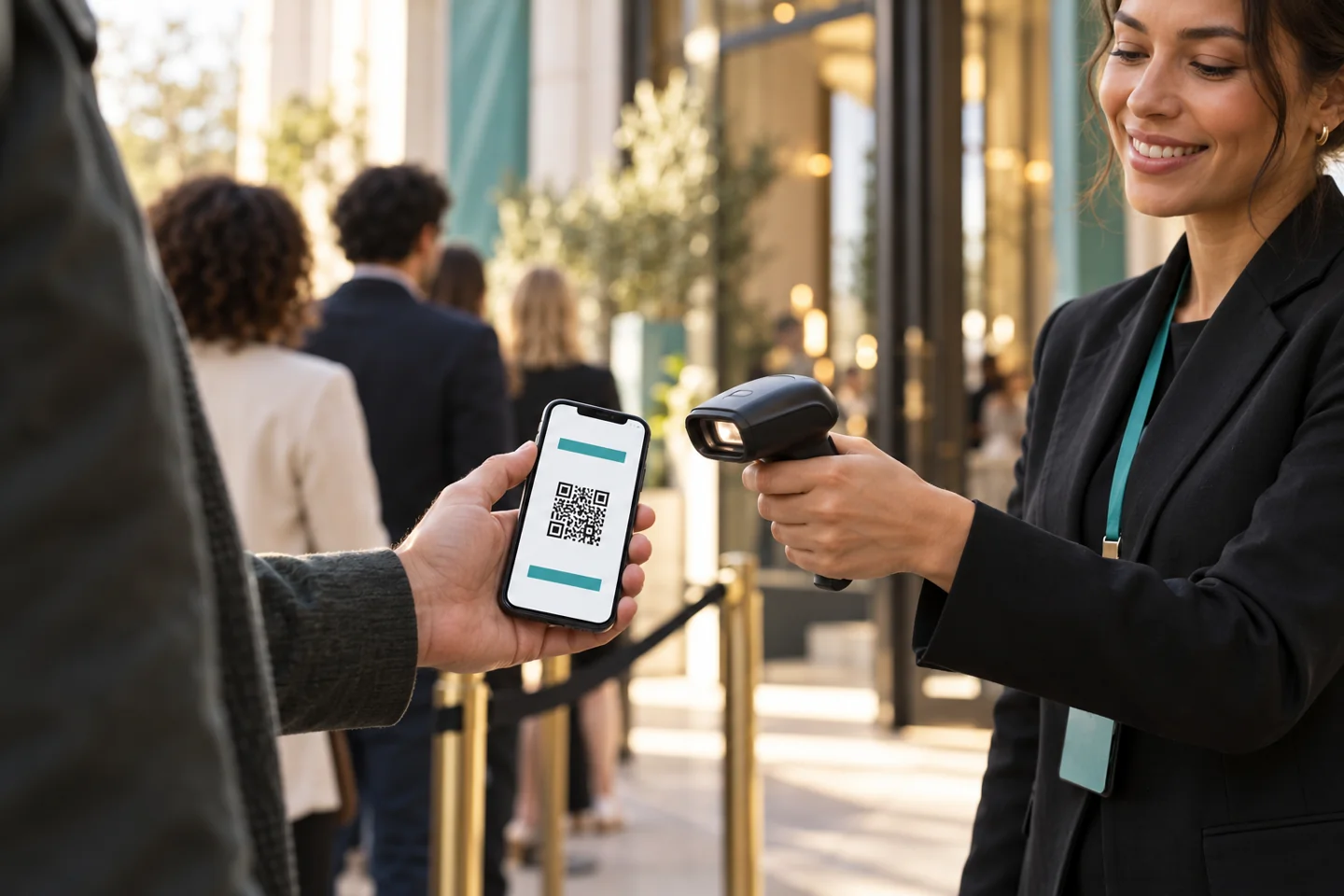
The details behind a well-run ticket sale
Bring commercial rules and attendee expectations together: what a ticket includes, when it is available, how it is delivered, and where it grants access.
A sales journey your team can explain at every step
Define the offer
Set categories, prices, capacity, sales dates, and access rights. Agree payment, cancellation, and refund rules before publishing the event.
Open ticket sales
Publish the branded buying journey and share the event link. Use the configured payment provider to collect payment for paid tickets.
Deliver and prepare
Send the confirmation and ticket through the agreed channels. Tell attendees what to bring, which entrance to use, and how to get help before arrival.
Validate and report
Check the ticket at entry and apply its access rules. Compare sales and attendance after the event to inform your next pricing and operational plan.
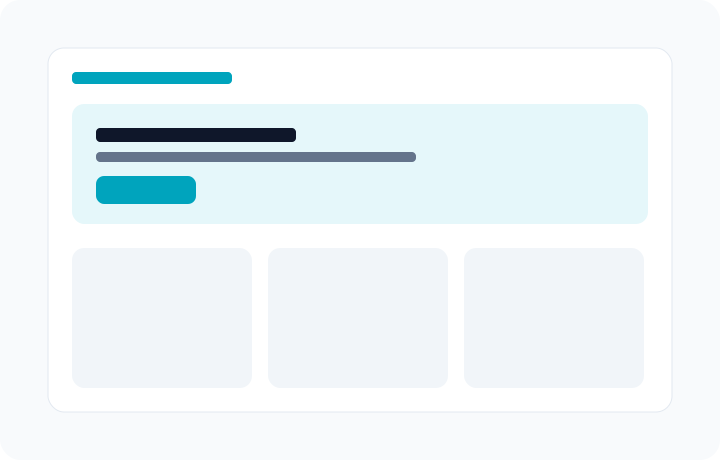
Give the entry team more than a QR code
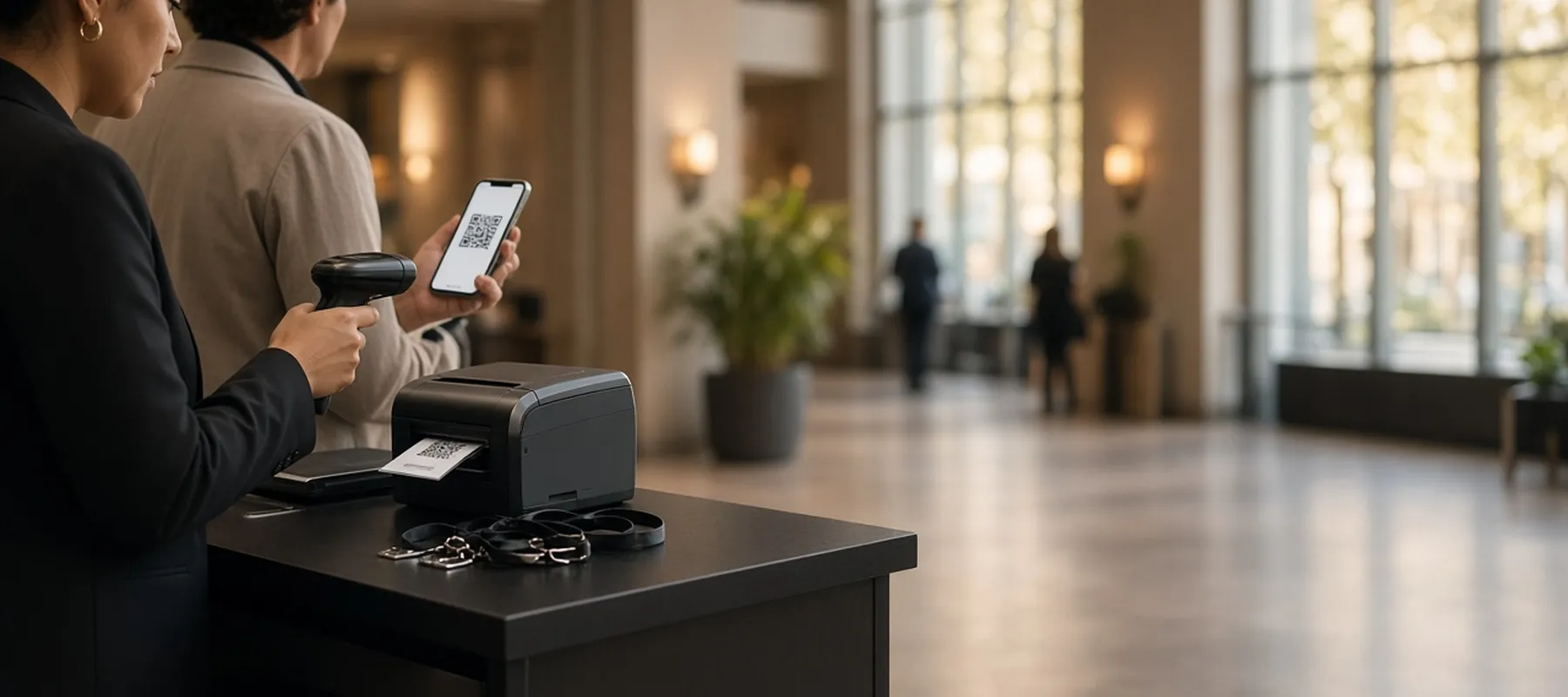
A useful ticket tells your team which event, date, category, or session it belongs to. Plan the validation rules and exception handling before arrival so staff know how to deal with a repeat scan, a cancelled ticket, or an attendee who needs help.
- Define single-entry, re-entry, and restricted-area requirements for your event.
- Brief staff on invalid tickets, repeat scans, and manual attendee lookup.
- Agree compatibility before combining tickets from external providers at the same entrance.
Frequently asked questions
How is ticket sales different from registration and RSVP?
Registration gathers attendee details and preferences. RSVP records an invitation response. Ticket sales adds a commercial offer with price, availability, payment, and access conditions; the journeys should be planned together.
Can online and onsite sales be planned together?
Yes. Define how box-office sales will share capacity and ticket records with online sales. Onsite equipment, payment acceptance, connectivity, and staffing need to be agreed for the event.
Can tickets include products or shopping balance?
Bundles can be scoped during planning. Confirm how the selected integrations will issue and redeem the included product, service, or balance, and explain its conditions to the buyer.
Are refunds and special payment options automatic?
Refund eligibility, timing, and processing depend on the organizer's rules and payment provider. Installments, deferred payment, and automatic refunds require a specifically confirmed provider setup.
Keep the journey moving after the sale
Get started
Build the right ticket journey for your event
Bring your ticket categories, expected capacity, sales channels, and access requirements. See how to connect the buying journey with registration and onsite delivery.